Ngoma
Swahili for drum
A practice companion for musicians.
A metronome, a tuner, a practice timer and an idea recorder in one app, with a log of every session so the hours add up where you can see them. A rhythm lab, drum pads and a small multitrack studio for your ideas sit alongside. It works offline and needs no account.
Good to know Everything stays on your phone, so your backup is the export file you keep.
Features
What Ngoma does
Metronome
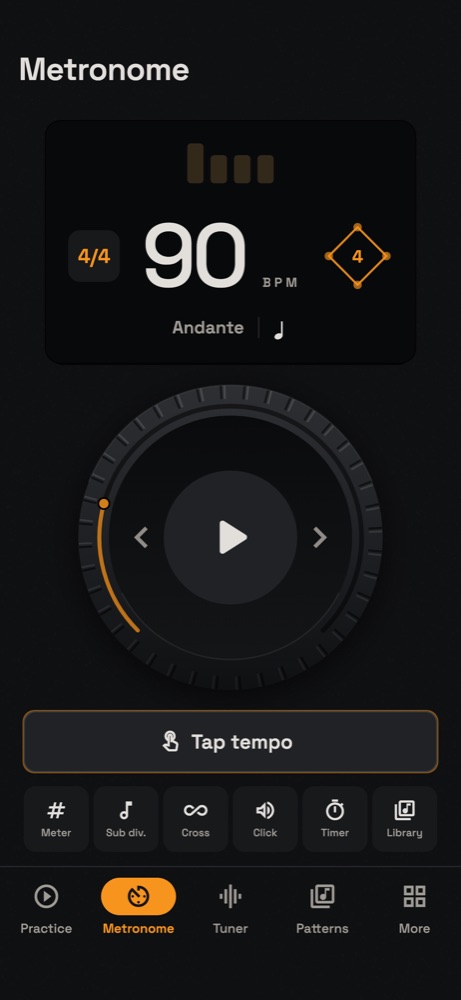
From 30 to 300 BPM, with tap tempo, odd time signatures, subdivisions and a light on every beat.
Tuner
Chromatic, with seventeen tunings across ten instruments, an adjustable reference pitch and seven tuning systems.
Practice log
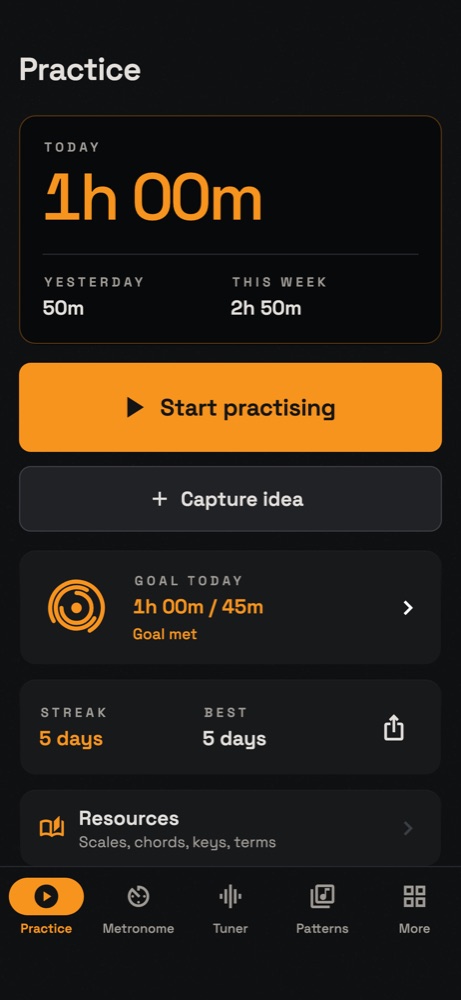
Time each session by instrument and piece, then follow your streaks, totals and goals.
Ideas studio
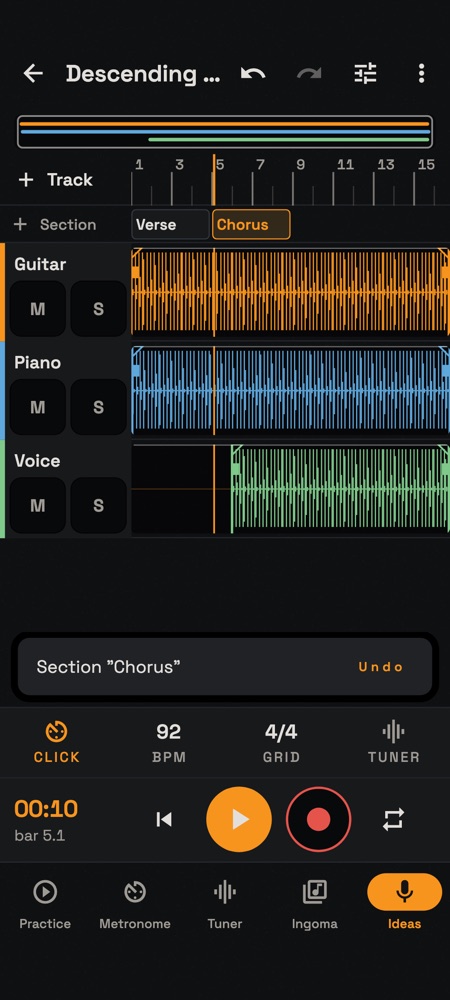
Catch a phrase the moment it arrives, then build it into tracks: mix, trim, move and crossfade them, mark the verse and chorus, add a chord chart, and export a mix or stems.
Rhythm Lab
Any time signature with its own groupings, accents, polyrhythms and bell patterns, plus tempo ramps, a count-in and a rhythm trainer. Setlists run hands-free.
Ingoma
Drum pads and a step sequencer for working out a groove.
Tuning review
After a tuning session, see which notes and phrases ran sharp or flat.
Yours alone
Everything, recordings included, stays on your phone. There is no account and no server.
How it works
From first open to the job done
- Open Ngoma. There is no account to make.
- Tune with the chromatic tuner, choosing your instrument’s tuning and reference pitch.
- Set the metronome, or tap the tempo in.
- Start practising. Ngoma times the session by instrument and piece.
- Catch any idea with the recorder. Later, open it in the Ideas studio, add tracks and export the mix.
- Check the log for today’s total, your streak and your goal.
Progress so far
Ngoma began in August 2026 as four practice tools in one app, and now runs on Android and iPhone, with layouts for tablets too.
It has since grown into a full practice routine: the Rhythm Lab for timing, Ingoma for drum grooves, a tuning review for pitch, and an Ideas studio that turns a phone recording into a multitrack sketch with a mixer, sections and a chord chart.
In development
 AI-generated illustration of the word
Ngoma
Swahili for drum
In Swahili the word means the drum, and also the dance and the gathering around it. Ngoma holds the tools, the practice and the record of it in one place.
Questions
Asked about Ngoma
Does Ngoma need an internet connection?
No. Ngoma works offline.
Do I need an account?
No. There is no account and no server.
Can I record more than one part?
Yes. In the Ideas studio an idea can hold several tracks, with a mixer, undo, crossfades, sections and a chord chart. Export it as a WAV or AAC mix, or as separate stems.
Where are my recordings stored?
On your phone. They only leave it if you export a file and save or share it somewhere yourself.
Can I move to a new phone?
Yes. In Settings, use Export everything to save a file, then Restore from a file on the new phone. Your recordings come too.
Waitlist
Make the hours count where you can see them.
Ngoma is in development. Leave your email and we will send one message when you can install it, then delete your address.